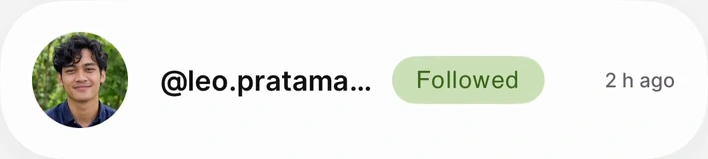


Follow and unfollow in the app.
The video could not load. Try opening the video file. Open video
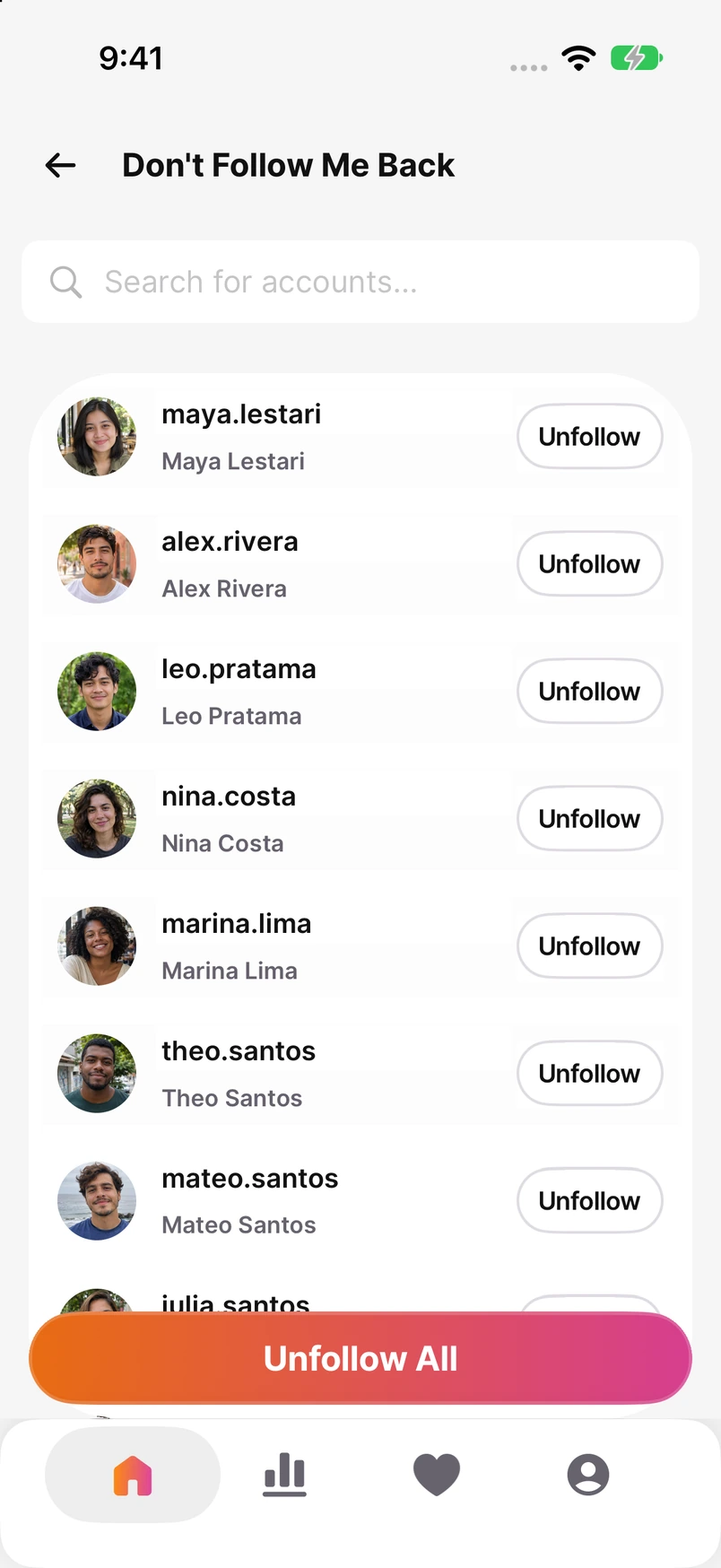
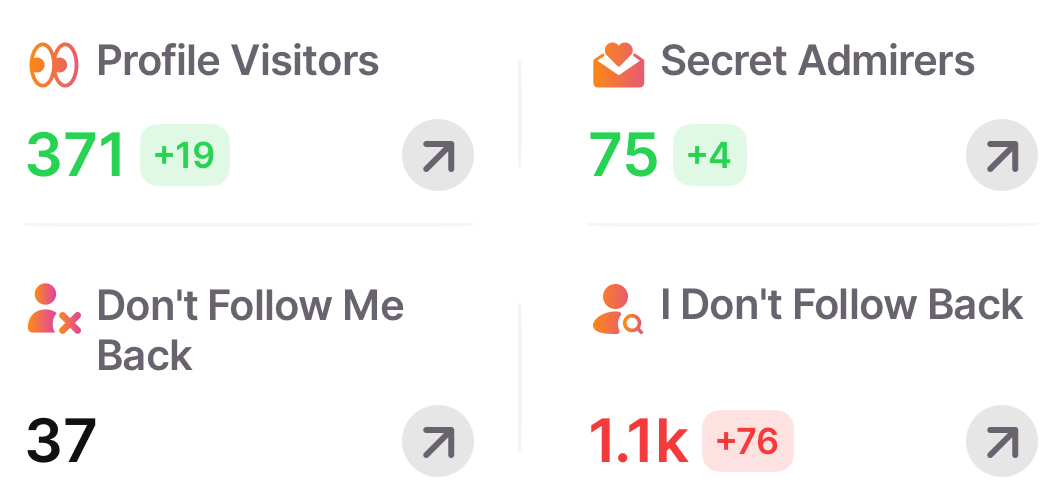
See who doesn’t follow you back on Instagram. Compare your lists and track changes between checks.
The video could not load. Try opening the video file. Open video
The video could not load. Try opening the video file. Open video
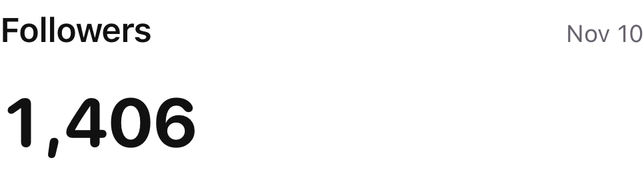
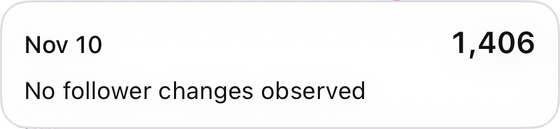
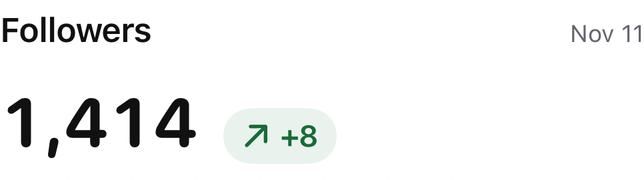
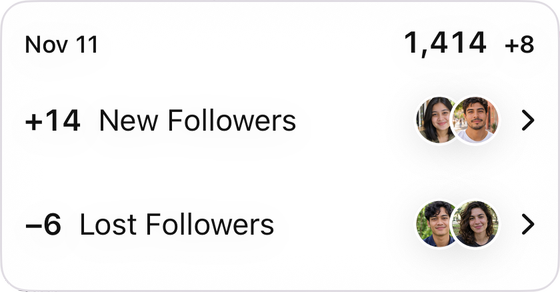
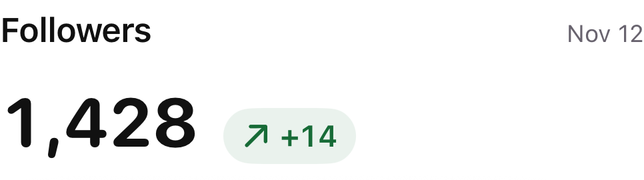
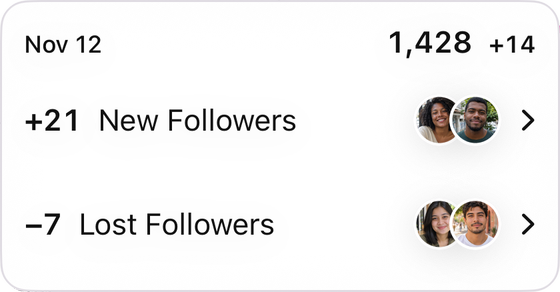
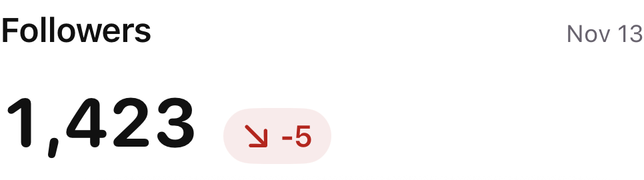
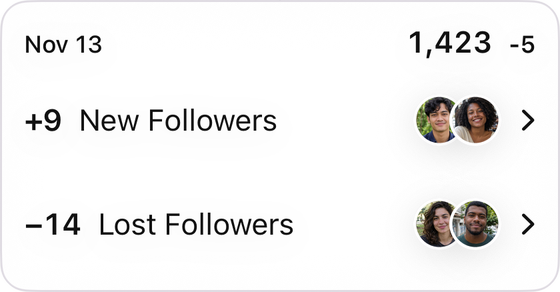
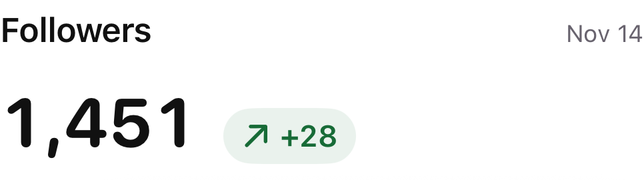
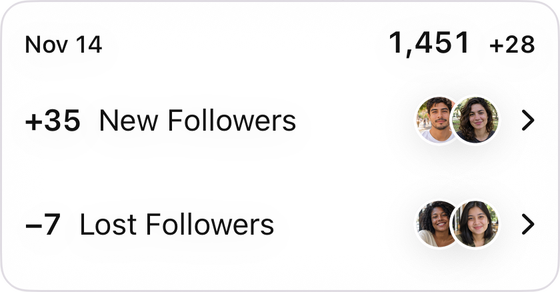
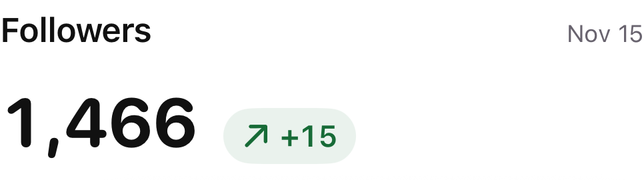
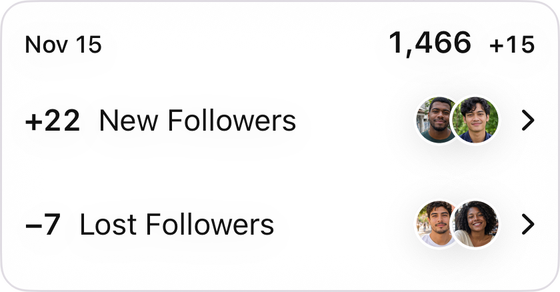
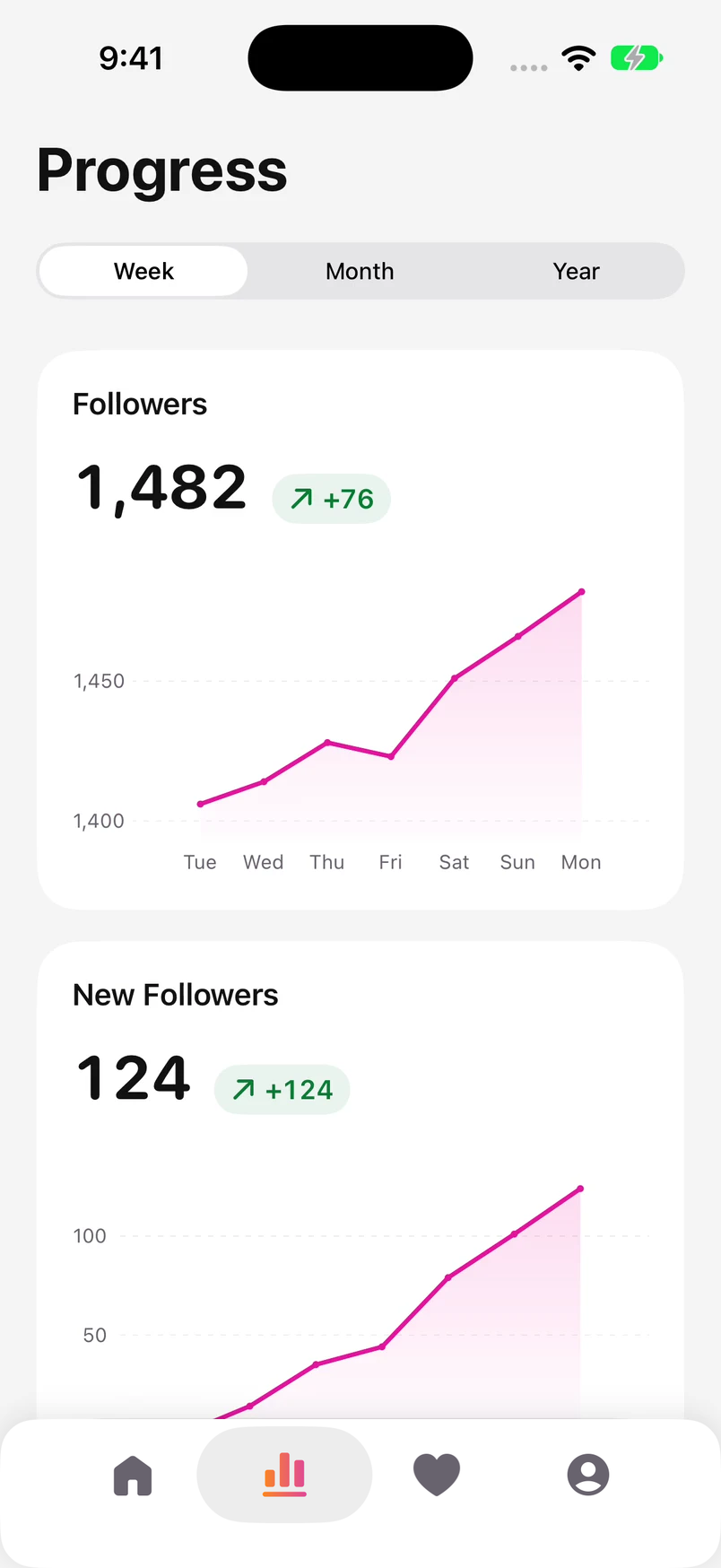
Compare saved dates in Progress and follow changes in your follower count.
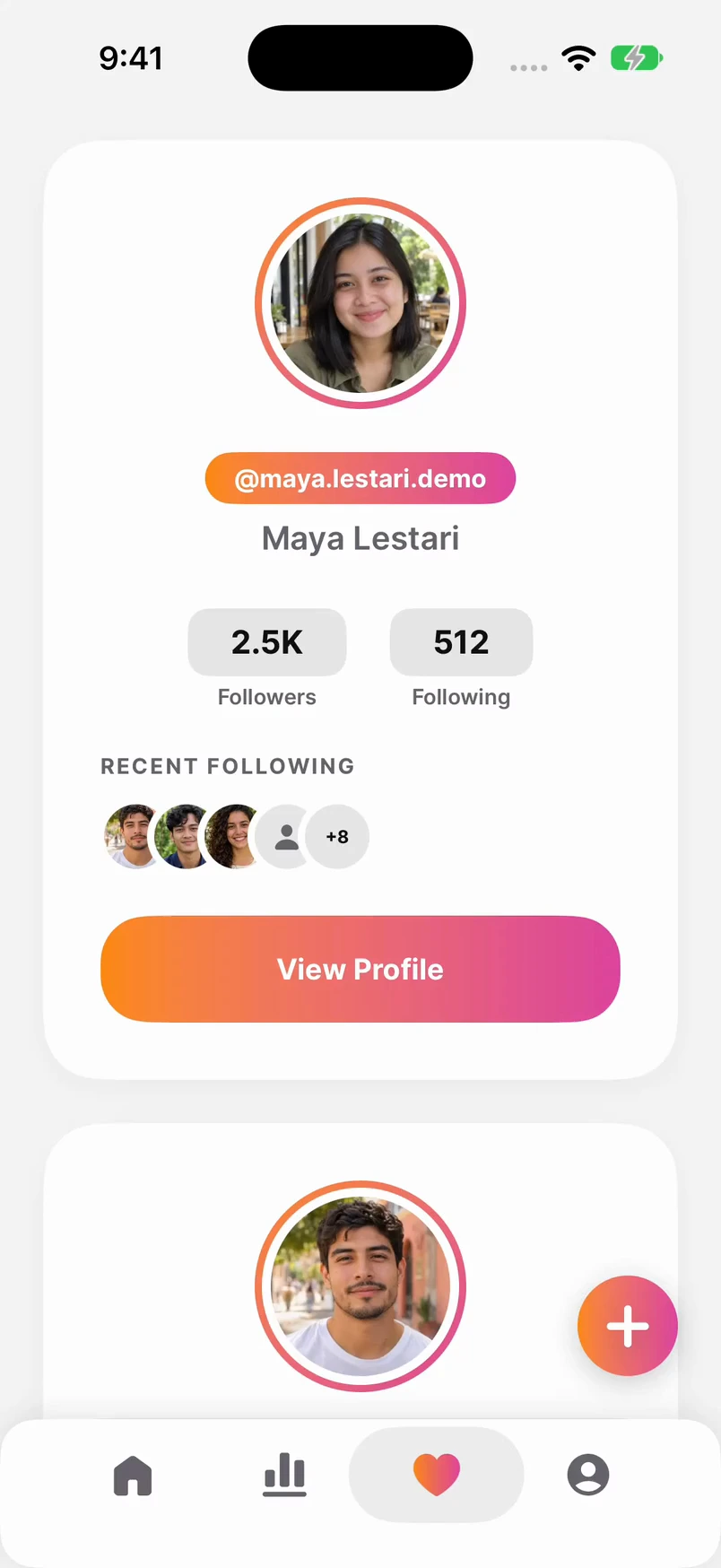
Open a saved account in Tracking to review its recorded recent follows.
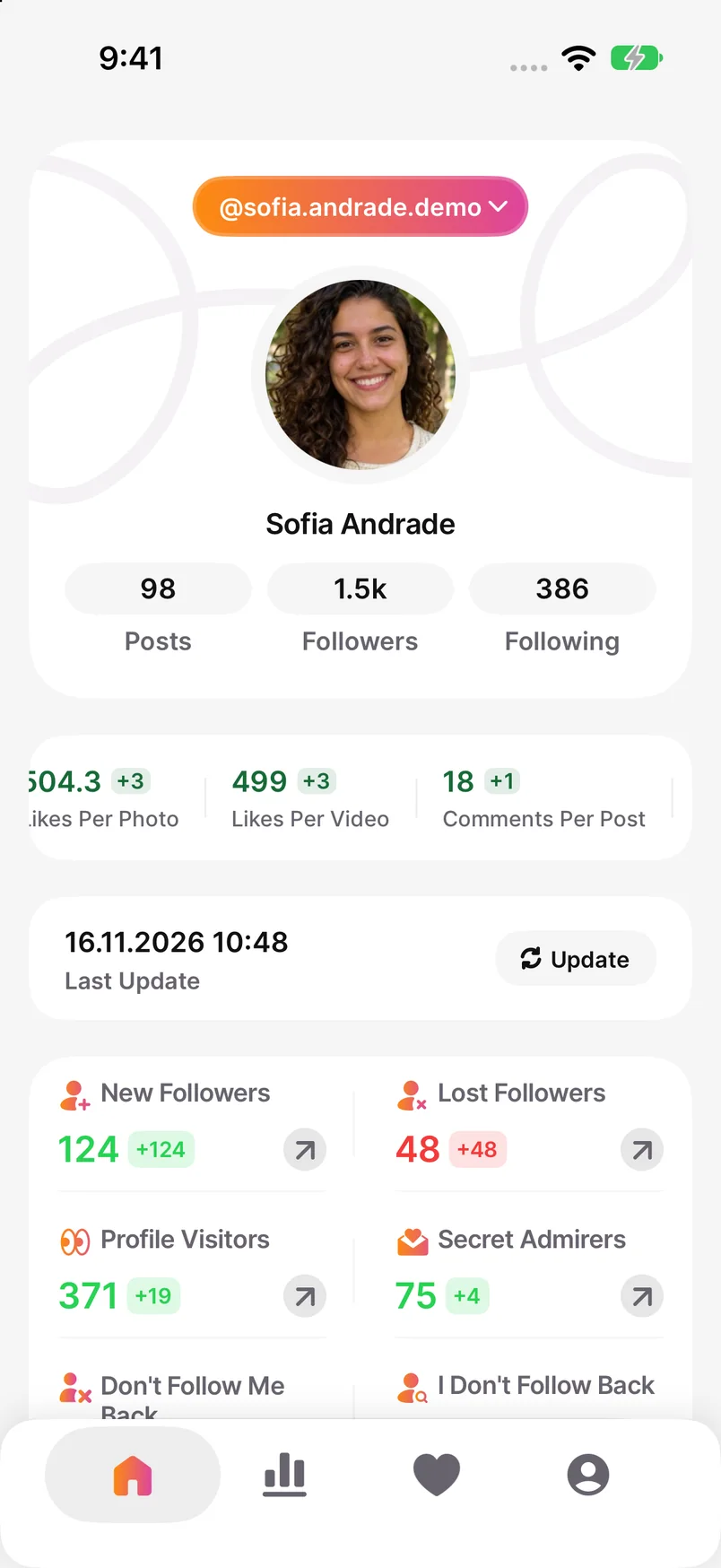
Understand your Instagram followers without checking every profile by hand.
Rated 4/5 from more than 360 App Store ratings. Read what people say about their experience.
Read user reviewsSee who doesn’t follow you back and track follower changes between saved checks. The reports show the accounts behind the numbers.
See how the reports workFind a name quickly, then follow or unfollow right in the app. Clear reports help you decide which accounts to keep following.
Watch follow and unfollowYour first check gives you a starting point. Later checks show what changed.
Open Unfollowers on your iPhone and follow the steps in the app to add the account you want to check.
Wait for your follower and following lists to load. Then open the report to see who doesn’t follow you back.
Refresh when you want another check. Use Progress to compare saved dates, then decide which profiles to keep following.
Great app
Such a great app, works well, fast and reliable The best design among all the apps
Very efficient
This app is so fast and easy to use, everything is clear and hassle free to use.
Looks promising
I just downloaded it and, honestly, it looks promising. I’m only just trying it, but the app seems good.
👍
The app is simple but helpful. I can see who unfollowed me.
best app
Really great app. Secret admirers is my fav feature.
Really worked
I am surprised that this app worked.
Check one profile now, follow future changes in the app, or compare an older follower list with a new one.
Find people in your Following list who are missing from Followers. Check one account or compare the whole list.
Choose an iPhone app by the job: current non-followers, saved history, engagement reports or export-file comparisons.
Download your Instagram lists, then compare them in Google Sheets or ChatGPT. Includes formulas and a sample with a known answer.
No. It means you follow that account, but it isn’t in your followers list for that check. They may never have followed you. To investigate an unfollow, compare complete follower lists from two dates.
Once your follower and following lists finish loading, you can see who doesn’t follow you back. That first completed check also becomes the starting point for tracking later changes.
Only if there’s an earlier saved record to compare with. A first analysis can’t reconstruct missing follower history, even if your total has dropped.
Open Progress to review saved follower counts and compare the dates available in your account history. Select a date to see the follower changes recorded for that period.
Yes. You can choose accounts in the lists and use Follow or Unfollow directly in the app. Review your selections before starting and watch their progress as the actions are processed.
With Premium, swipe right in Swipe Clean to keep following a profile or left to start an unfollow action. Each left swipe starts processing automatically, so review the profile before making your choice.
Tracking keeps the accounts you add in one place. Open a saved account to review its available report, including recently followed accounts. What you can compare depends on the analysis saved for that account.
Yes. The current App Store version requires iOS 18 or later. Open the listing on your iPhone to check compatibility and download the app.
Yes. Unfollowers is free to download and offers Premium subscriptions. For example, Unfollow All requires Premium. The subscription screen shows the features, price and renewal terms for the offer available to you.
On your iPhone, open Settings and tap your name, then Subscriptions. Choose Unfollowers and tap Cancel Subscription. If it isn’t listed, check which Apple Account appears on your purchase receipt.
Account analysis takes place in the iPhone app. This website has no Instagram sign-in or account-file upload. You can read the blog without connecting your account, then add it in Unfollowers when you’re ready to run an analysis.
Yes. For one person, search for the same username in your Following and Followers lists on Instagram. For a larger comparison, export those lists and compare them. The blog explains both methods and which records you need.
Meet Unfollowers for Instagram and see the current features on the App Store.